TensorBoard Toy
The tensorboard_toy.py example demonstrates ClearML's automatic logging of TensorBoard scalars, histograms, images, and text, as well as all other console output and TensorFlow Definitions.
When the script runs, it creates an experiment named tensorboard toy example in the examples
project.
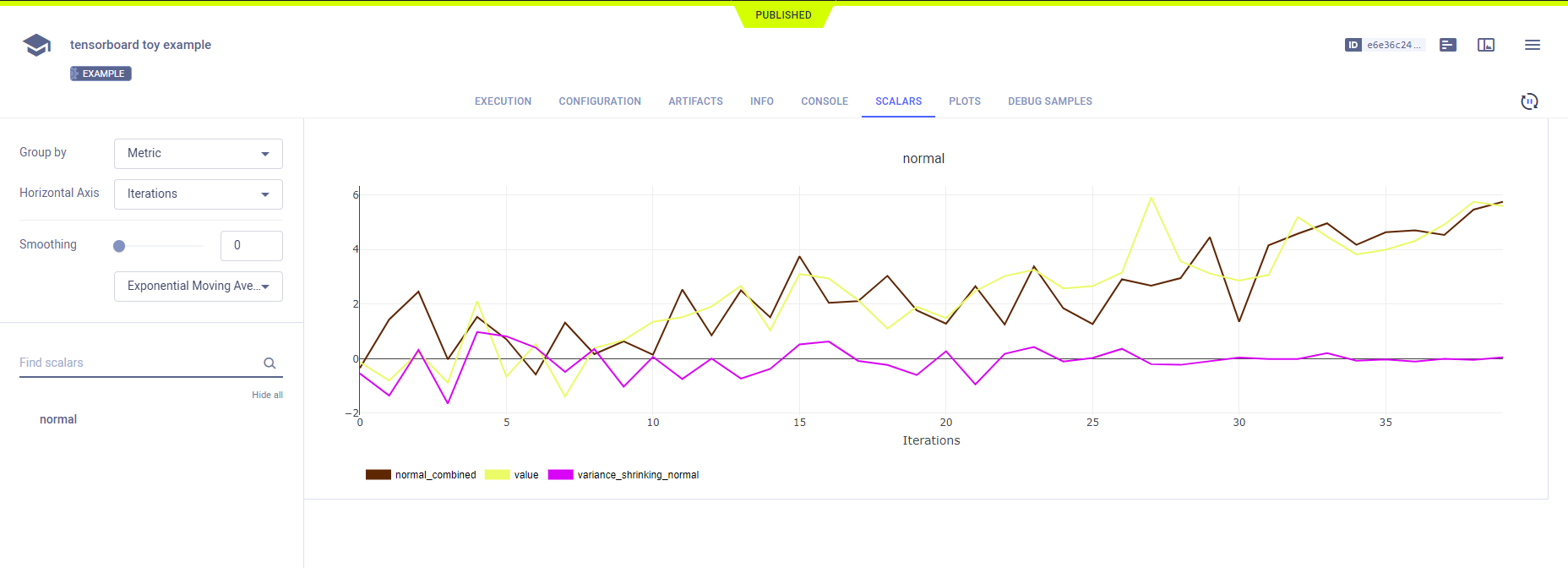
Scalars
The tf.summary.scalar output appears in the ClearML web UI, in the experiment's
SCALARS. Resource utilization plots, which are titled :monitor: machine, also appear in the SCALARS tab.
Plots
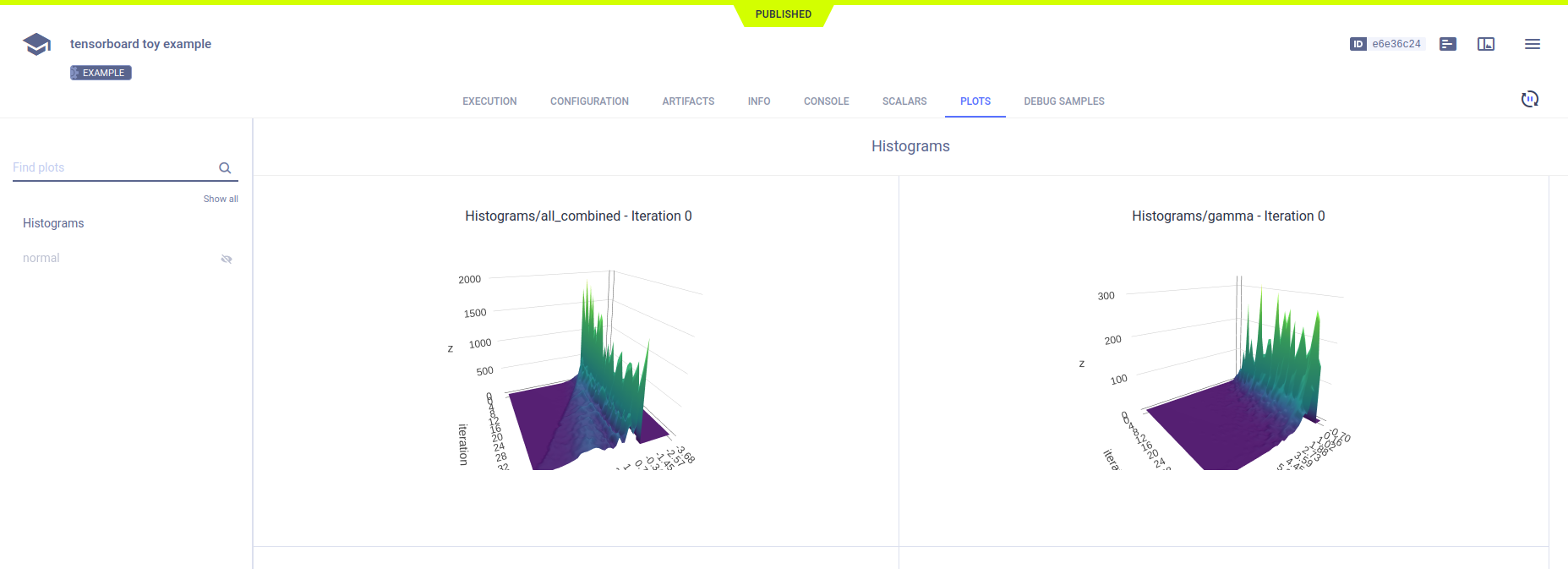
The tf.summary.histogram output appears in PLOTS.
Debug Samples
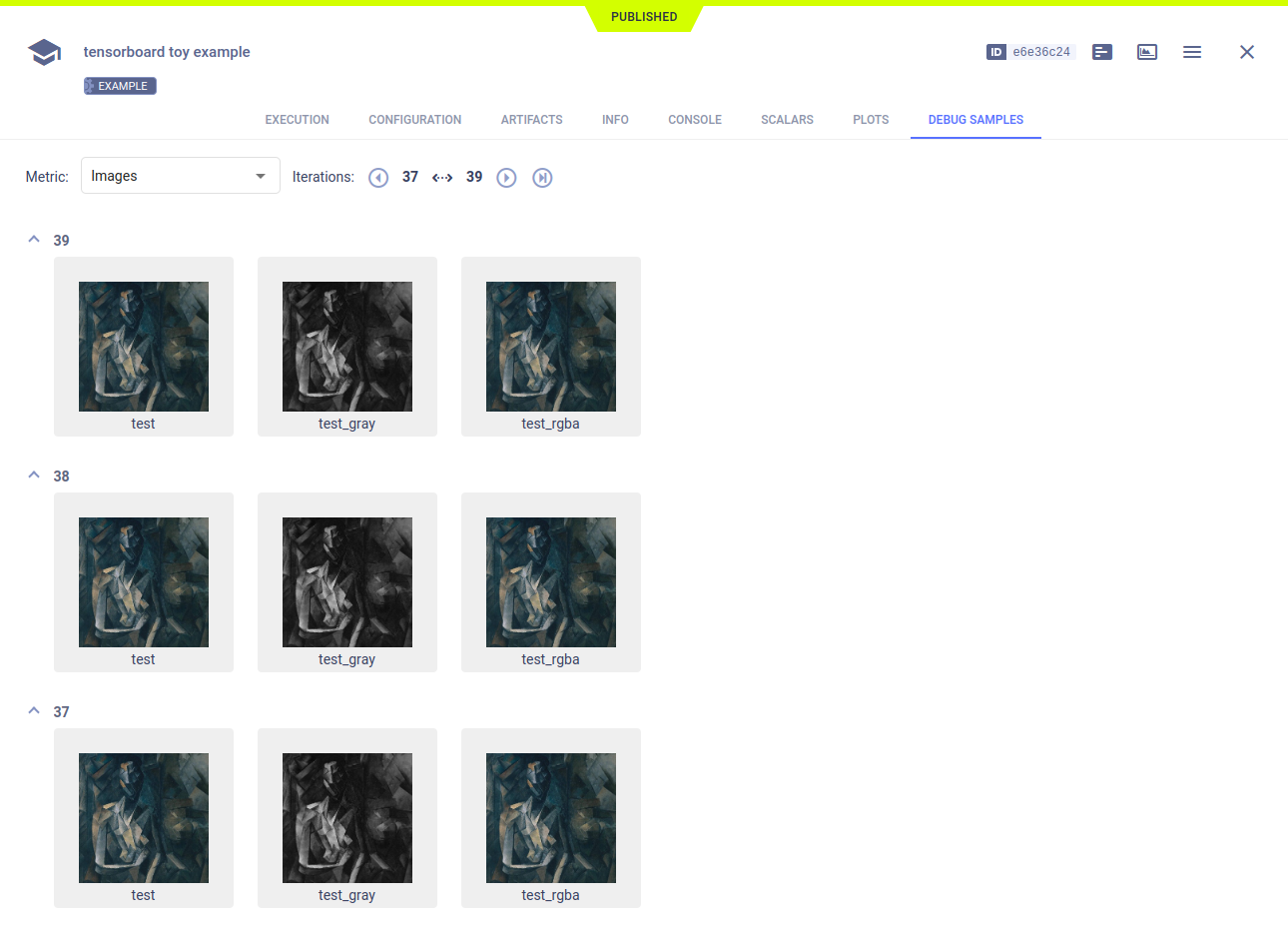
ClearML automatically tracks images and text output to TensorFlow. They appear in DEBUG SAMPLES.
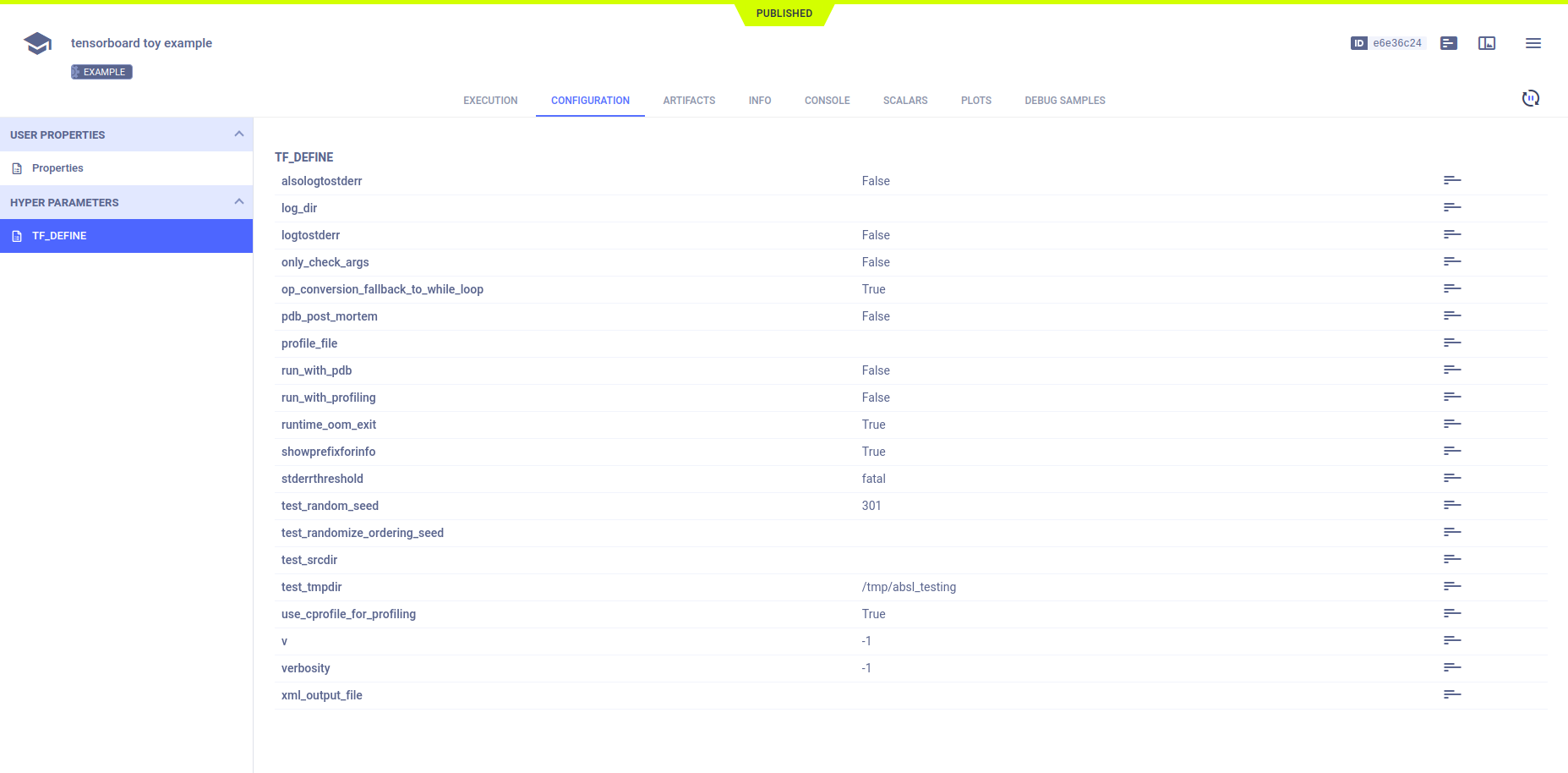
Hyperparameters
ClearML automatically logs TensorFlow Definitions. They appear in CONFIGURATION > HYPERPARAMETERS > TF_DEFINE.